Pixelarium strives to be a batteries-included visualizer application used in conjunction with an externally implemented and linked arbitrary functionality. It can be linked e.g. against a library containing arbitrary functionality. Pixelarium can support viewing the results and result files of such a library. It tries to be as flexible as possible.
This is still work in progress and will change significantly.
Prerequisites
Dependencies are either submodules in the modules subdirectory or artifacts of the cmake build process from the cmake directory. This repository should therefore be cloned recursively:
git clone --recurse-submodules https://github.com/m-aXimilian/pixelarium.git
Apart from that, this project needs OpenCV installed on the host system and available for cmake's find_package.
Building
Given that the prerequisites are fulfilled, building can be achieved via one of the presets or by calling cmake directly.
Presets
Pixelarium has a few presets setting specific compilers and configurations defined in CMakePresets.json.
They can be listed by calling
cmake --list-presets
which will give something like
Available configure presets:

  "clang-release"
  "clang-debug"
  "gcc-release"
  "gcc-debug"
Building with the clang-debug preset would look like
cmake --preset clang-debug
cmake --build --preset clang-debug
Direct
If you want to specify compiler settings and options which are not defined in a preset, use cmake "directly" like
cmake -B build -S .
cmake --build build
Usage
The examples directory aims to showcase a few usage examples of this project.
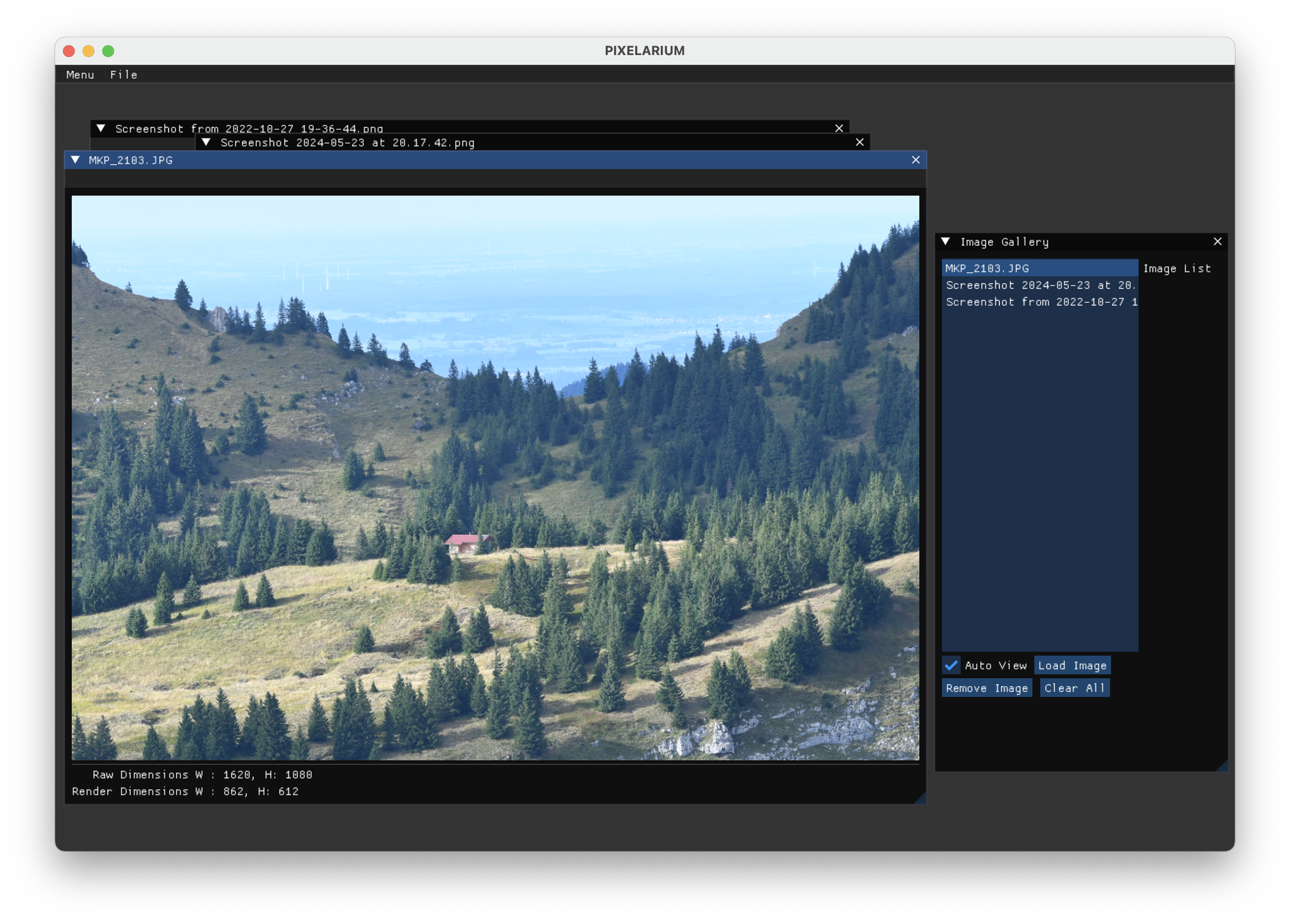
All there is to do in order to get an initial window on screen is to create an instance of AppGLFW (or one of its child classes) and start it.
simple
This is the most straight-forward usage of Pixelarium. It simply instantiates a DefaultApp and runs it.
custom_0
This is meant to showcase that DefaultApp (AppGLFW as well) can be customized via inheritance.
As a usage example, it implements a simple binary image reader. It can be presented with a binary file of layout
i.e., a header encoding 1 byte for the pixel-depth, 1 byte for the channel count, 2 byte each for width and height in pixel followed by the actual pixeldata.
custom_1
An example showcasing how to inject a user defined control into the existing scaffolding of DefaultApp using a multiplication filter. This is in many ways similar to the previous example.